Apps
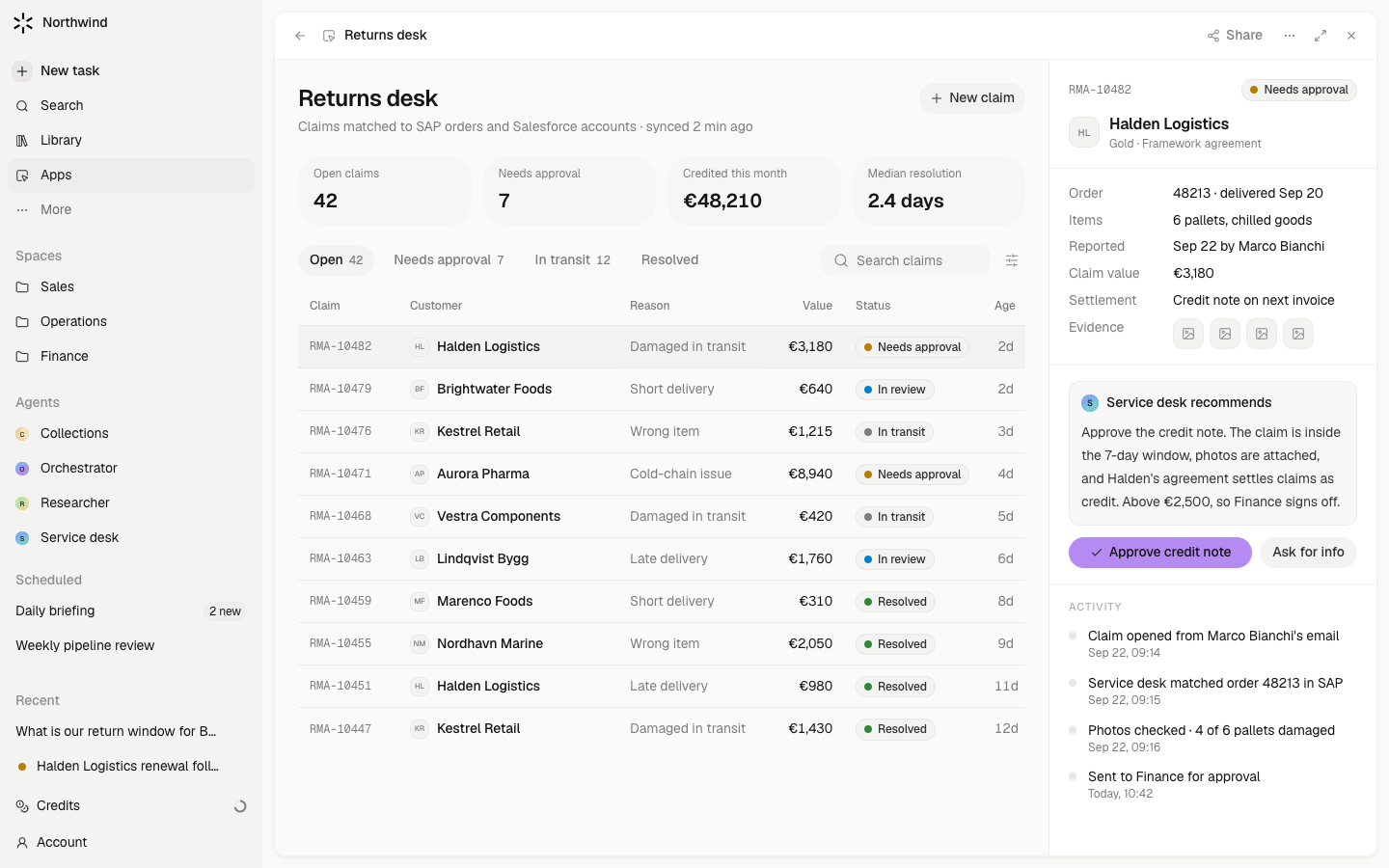
An App is built in chat, saved as a deployment, and opened in the pane, full screen, or in a new tab.
An App is a small piece of software an agent builds for you: a dashboard, a form, a tracker, a tool for one job. The agent writes it, builds it, and saves a deployment. You open it like any other page in Meridian, and the agent keeps building when you ask for changes.
Steps
- Ask for it. On Apps (under More in the sidebar) choose New app. The composer pre-fills "Build me an app that ". Say what it shows and who it is for. The agent builds a first version, saves it, and opens it beside the chat.
- Use it. Each card on the Apps page shows a live miniature of the app, its description, and its state: Not built yet, Saving, or Build failed. Open it in the pane, go full screen from the pane toolbar, or choose Open in new tab. Pin it to the sidebar and it opens full screen.
- Keep building. Ask for changes in the same chat: "add a filter by owner", "make the chart weekly". Each save becomes the new deployment only when it builds completely; a broken build leaves the previous version serving.
- Give it data. An app can read synced records through the Workspace database and keep its own records in an attached Database. Ask the agent to create the Database with the app.
- Give it a back end. An app can have its own server routes and schedules. The agent adds them when the app needs to save, compute, or run on a timer, and they run inside Meridian with the app.
- Share it. Ask the agent to share your app with everyone in the workspace. Any member can create an App. Its Owner and Editors can share with people, groups or Everyone as Users or Editors. Only its Owner can transfer ownership or delete it. Sharing keeps the same app and link.
What waits for your approval
Creating an app you alone can see and saving it do not ask. Sharing it with the team or making it public, creating an API key for it, and deleting it ask on a card. Changing a Database a deployed app uses asks too, because the app's users depend on it.
Limits
- Apps run on Meridian's infrastructure and serve from a separate origin. They cannot read your session or your accounts directly; data reaches them through the agent's tools and the attached Database.
- A personal app is yours alone until you share it. A shared app's server routes act as the caller, so a colleague sees only what they may see.
- Internet access from an app's server side is a setting you can turn off per app.
- Real-time features such as WebSockets are not supported in app servers yet.
- Old deployments are kept until the app is deleted; there is no version browser yet.